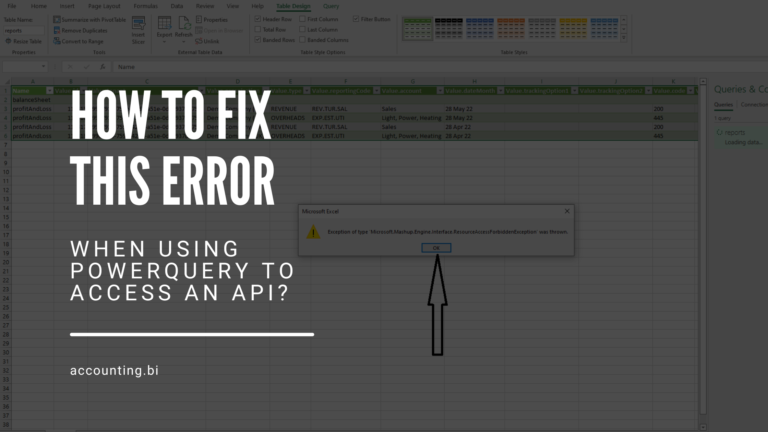
When using the Accounting.BI system to Excel or PowerBI the error usually means your Bearer Token (aka the password for our API) has changed/needs updating in PowerQuery.
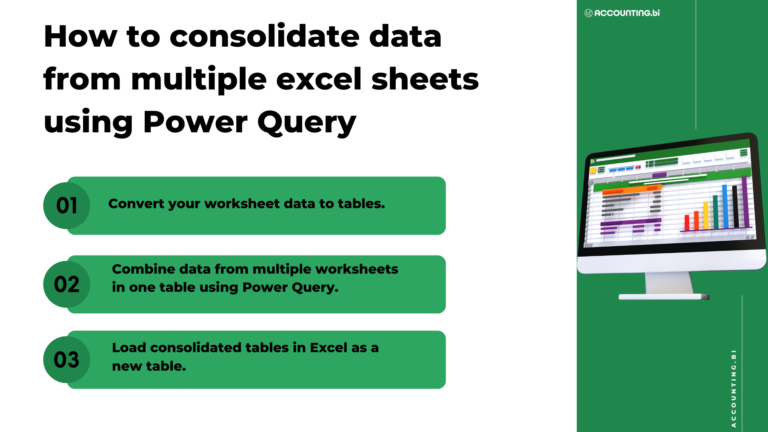
Power Query is a powerful data transformation tool that allows you to combine data from multiple excel sheets into one table. It is a stock feature in Office 365 and Microsoft Excel 2016 and onward versions. You can also download Power Query as an add-in if you have Excel 2010 and 2013.
When you spend a lot of time sending excel spreadsheets and PDF management accounts around your business or to your clients, it is very common to ask why this could not be produced as some sort of online financial dashboard with a custom URL to view your reports. Of course, you then explore Futrli, Fathom and Spotlight to provide this but realise they are extremely expensive and will simply never provide the level of flexibility that you need for more bespoke reporting requirements.
This video and article provide steps for connecting Xero to PowerBi through AccountingBi. It assumes that you've already pulled the Xero API from accounting BI for your various reports.