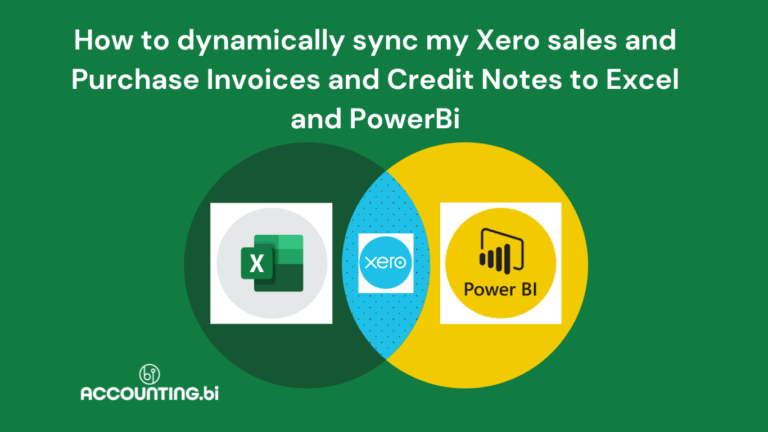
Struggling with manual data entry and disconnected reports across Xero, Zoho Books, and Sage Business Cloud? Accounting.BI offers a powerful solution with its Excel Add-In, empowering you to streamline your accounting workflow and gain valuable insights with real-time data.
In this article and video, we explain how to install the AccountingBi Excel Add-in for your entire organisation if you're using Microsoft 365. The process involves your administrator adding the add-in through the admin center and then individual users accessing it within their Excel application.
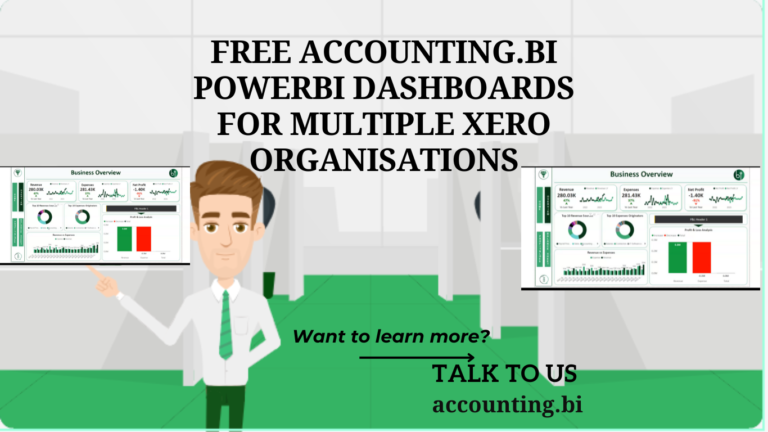
This article presents a simple yet effective dashboard that serves as a starting point for developing comprehensive reports and impactful solutions for your organization or accounting firm. Explore the features and functionalities available to unleash the full capabilities of Power BI and take your data analysis to new heights. Get a head start on your Power BI journey by leveraging this informative resource.
Learn how to monitor the status of large API queries with the Accounting.BI real-time API log in our helpful video and article. First, let me get us to understand the purpose of the API Log: The API Log serves as a valuable tool for tracking the activity and status of our API queries in real-time. It helps us monitor the progress of our queries and identify any potential issues or errors that may arise during the process.
Basic overview of Xero Tracking Codes Xero Accounting Software allows users to allocate any number of Tracking Codes to transactions within your accounting records. This allows for additional reporting capabilities without the need to endlessly expand the number of account codes within your Chart of Accounts. This could be used for reporting on different business units, regions, customer demographics and more. The concept works where a user can create a Tracking Category (such as Region), and within this category they will then create Tracking Options (such as North, South, East, West). After setting it up the bookkeeper can assign these Tracking Options to transactions as they post them to Xero within their usual bookkeeping cycle.